
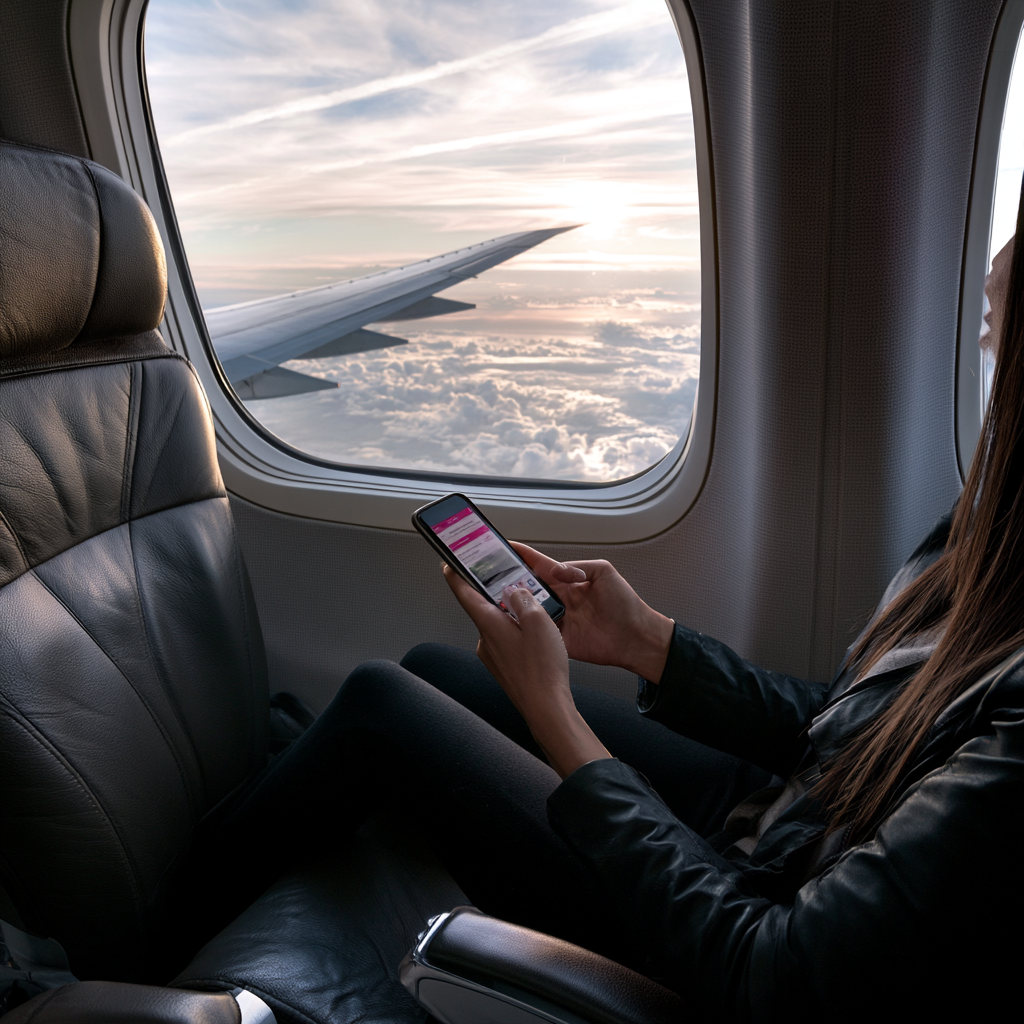
“T-Mobile outage” is trending after a nationwide disruption left phones stuck in SOS mode across several states, with nearly 64,000 users reporting issues to Downdetector at its peak and over 100,000 more within the following hour. For travelers relying on a single carrier for maps, boarding passes, and hotel confirmations, it’s a good reminder that a phone signal is never guaranteed.
1. Download Offline Maps Before You Leave
Google Maps and Apple Maps both let you save offline regions before a trip. Do this the night before you travel, not the moment your signal drops.
2. Save Screenshots of Everything
Boarding passes, hotel confirmations, and reservation numbers should live in your camera roll, not just your inbox. An outage doesn’t care whether your confirmation email ever loaded.
3. Carry a Physical Backup
A printed itinerary or a paper copy of key confirmations takes thirty seconds to prepare and solves the problem entirely when there’s no signal at all. Keep it in a bag from our Men’s Collections so it’s always within reach.
4. Know What SOS Mode Actually Means
During the outage, Google searches for “SOS mode” spiked as users noticed the icon appearing on their phones. SOS mode means your phone can still place emergency calls even without normal carrier service — useful to know so you don’t panic if you see it mid-trip.
5. Don’t Rely on a Single Carrier or Device
The outage wasn’t a full blackout — many users reported one phone in a household losing service while another kept working. If you’re traveling with a companion, it’s worth being on different carriers, or at least keeping one device charged and separate from your main phone. A dedicated travel bag from our Women’s Collections makes it easy to keep a backup device and charger organized.
Building Your Travel Backup Kit
A backup kit doesn’t need to be complicated: offline maps, screenshotted confirmations, a printed itinerary, and a portable charger cover almost every outage scenario. It takes ten minutes to set up and saves hours of stress if your carrier goes down mid-trip.
What caused the recent T-Mobile outage?
T-Mobile said its teams were actively working the reports of technical challenges, though the company did not immediately specify a root cause; the outage primarily affected mobile phone signal and 5G home internet for several hours.
What does SOS mode mean on my phone?
SOS mode appears when your phone has lost normal carrier service but can still attempt emergency calls, which is why searches for the term spike during major outages.
How can I prepare for a phone outage while traveling?
Download offline maps, screenshot key confirmations, carry a printed backup itinerary, and keep a charged secondary device or power bank with you.
Travel Smart, Signal or Not
Outages happen, but a little prep means one dropped signal doesn’t derail your whole trip. Explore more travel tips and gear at Around The World In A Rush.
Sources: Tom’s Guide, GV Wire, Fox59
Tags: #TravelTips #TMobileOutage #TravelTech #BackupPlan #SmartTravel